Nov 14, 2020, 02:33 PM
#1
I can not extract wall fragments in inside the Iracus Temple Cavern. I see them but not able to do anything to them.
Loading Forum Content...
Preparing your journey through Atreia.
I can not extract wall fragments in inside the Iracus Temple Cavern. I see them but not able to do anything to them.
Hello,
There are some walls looking like being active, but they are wrong ones. Search around, sometimes they are lower or higher, and you will find them.
Hello, There are some walls looking like being active, but they are wrong ones. Search around, sometimes they are lower or higher, and you will find them.
1 hour ago, TheAlmighty said:Hello,
There are some walls looking like being active, but they are wrong ones. Search around, sometimes they are lower or higher, and you will find them.
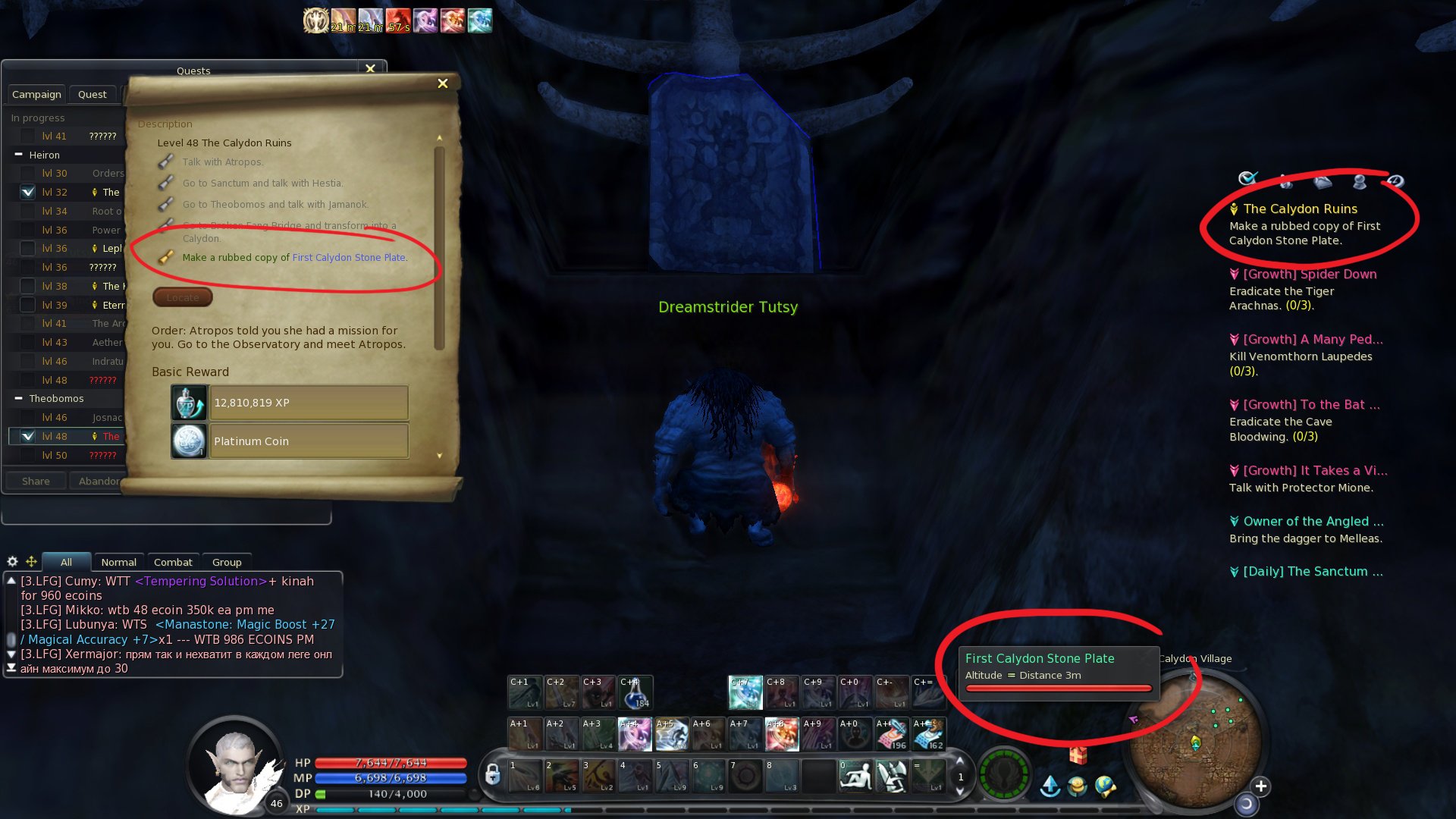
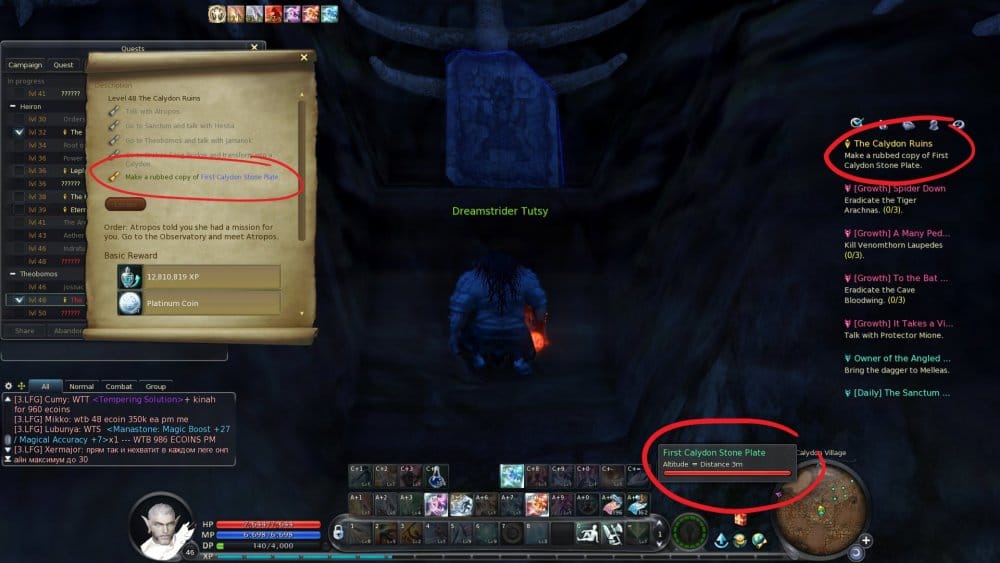
Hello it seems that this is not the case. I also can not do the quest "The Calydon Ruins" it requires me to make a rubbed copy of the Calydon Stone plates. But I also can not do it. It seems that the quests that require extracting or something of the same sort, is bugged for my character. I have done this on my other accounts with no problem this is the only Account it doesn't work on. please check. As you can see in the image below. I keep clicking the first stone but nothing happens it just keeps on running to the wall.
Hello it seems that this is not the case. I also can not do the quest "The Calydon Ruins" it requires me to make a rubbed copy of the Calydon Stone plates. But I also can not do it. It seems that the
14 minutes ago, pindigo said:Hello it seems that this is not the case. I also can not do the quest "The Calydon Ruins" it requires me to make a rubbed copy of the Calydon Stone plates. But I also can not do it. It seems that the quests that require extracting or something of the same sort, is bugged for my character. I have done this on my other accounts with no problem this is the only Account it doesn't work on. please check. As you can see in the image below. I keep clicking the first stone but nothing happens it just keeps on running to the wall.
Spoiler
Have just checked the quest, and everything worked fine.
We have recently received several reports from you and all of them are quite unique, meaning that no one else reports to have same problems. Therefore we think that the issue can be still in your game client.
As the checking didn't help you before, we can only suggest to redownload the game. Add it to the white list of all your antimalware programs, including windows defender, as soon as the download starts, so files will not be corrupted.
Or the other problem with the plates can be due to the really small characters. You can try to jump to the plate, and then use it.
Or the other problem with the plates can be due to the really small characters. You can try to jump to the plate, and then use it.
11 minutes ago, TheAlmighty said:Or the other problem with the plates can be due to the really small characters. You can try to jump to the plate, and then use it.
I did this with my even smaller character with no problem. Also I tried all the jumping around a while ago. Can you check my IGN is Tutsy
I did this with my even smaller character with no problem. Also I tried all the jumping around a while ago. Can you check my IGN is Tutsy
3 hours ago, pindigo said:I did this with my even smaller character with no problem. Also I tried all the jumping around a while ago. Can you check my IGN is Tutsy
We can't check anything on your character. It is a normal char. So the problem is in the game client.
We can't check anything on your character. It is a normal char. So the problem is in the game client.
1 hour ago, TheAlmighty said:We can't check anything on your character. It is a normal char. So the problem is in the game client.
So what can I do? When I do file check with the game client it does not do anything. It doesn't download anything. it just checks for files and then says ready to play.
So what can I do? When I do file check with the game client it does not do anything. It doesn't download anything. it just checks for files and then says ready to play.
4 hours ago, pindigo said:So what can I do? When I do file check with the game client it does not do anything. It doesn't download anything. it just checks for files and then says ready to play.
We can only suggest to redownload the game. Add it to the white list of all your antimalware programs, including windows defender, as soon as the download starts, so files will not be corrupted.
We can only suggest to redownload the game. Add it to the white list of all your antimalware programs, including windows defender, as soon as the download starts, so files will not be corrupted.
6 hours ago, TheAlmighty said:We can only suggest to redownload the game. Add it to the white list of all your antimalware programs, including windows defender, as soon as the download starts, so files will not be corrupted.
I don't have antimalware. or any anti virus program