I have downloaded the game few days ago but i cant launch the game. I did file checks a few times everything seems okay, i press play nothing happens. I tried to install the software versions listed in sticky thread but i could not because i have the newer versions already installed. Then i did another file check and i was able to launch it, i logged in played a few hours without any problems but i cant start it again. Is there something else i'm missing? And can i use a bat file to launch the game?
Hello,
Please try starting the game as administrator
Hello, Please try starting the game as administrator
17 minutes ago, TheAlmighty said:Hello,
Please try starting the game as administrator
Tried it, nothing happened.
2 минуты назад, aithras сказал:Tried it, nothing happened.
Then you need to install this version of DirectX: https://www.microsoft.com/en-us/download/details.aspx?id=9894
If should install even if you have a higher version. This version of the game requires this version of directx. Note the following: After you launch the downloaded file, it will ask you to provide the path for the unpacking of the files. One more time: it is only unpacking! After the unpacking you must open the provided folder and launch the installation with the file DXSETUP.
I have resetted windows 10, installed all the softwares again but i got the same result, nothing happens after i press play. So today i tried using a bat file with the following command to launch the game: start /high "" "C:\Program Files (x86)\EuroAion\bin64\aion.bin" -ip:51.91.6.184 -lang:ENG
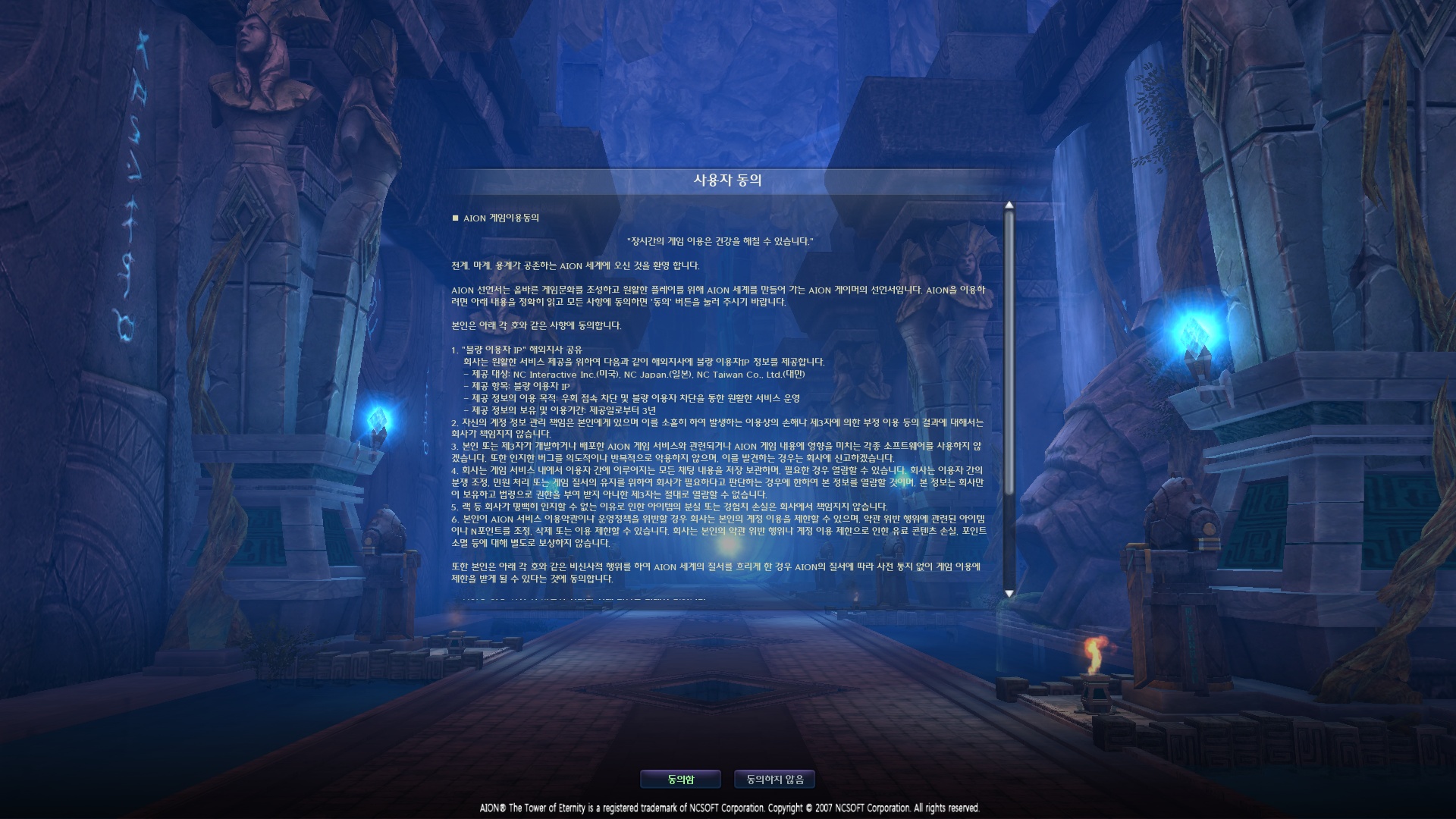
Game launched but it was in korean(?) I managed to "log in" using my account for this server but after this screen nothing happens and i get disconnected after a few seconds
is there anything else i should try?
I have resetted windows 10, installed all the softwares again but i got the same result, nothing happens after i press play. So today i tried using a bat file with the following command to launch the
3 hours ago, aithras said:I have resetted windows 10, installed all the softwares again but i got the same result, nothing happens after i press play. So today i tried using a bat file with the following command to launch the game: start /high "" "C:\Program Files (x86)\EuroAion\bin64\aion.bin" -ip:51.91.6.184 -lang:ENG
Game launched but it was in korean(?) I managed to "log in" using my account for this server but after this screen nothing happens and i get disconnected after a few seconds
is there anything else i should try?
Please, try adding the game folder to the white list of your anti virus or windows defender.
Then you will need to check the game with launcher or torrent. Bat file won't work because of the anti cheat system.
Still no luck. Thank you for the replies.
The bat file doesn't pick up the language folders and start it in default, use the launcher, OR, instead of -lang:ENG try "eng" lower case or "2_eng"
Check if the firewall is blocking the connection, i made a guide inside "Guide" section
Also add the folder as "whitelist" inside your antivirus and disable Windows Defender
Post some screenshot of launcher if you can
Edited by ZiffaHi Everyone
I am having this issue where when I try to load the game I see the active anti-cheat loading, followed by the small aion screen then it goes to the black NCSOFT screen and that's it...the game shuts down or closes.
I have done the following:
- reinstalled the whole game/launcher multiple times and rebooted after
- installed DirectX, Microsoft Visual CC++ and Net Framework multiple times as well and rebooted after
- I have also checked and made sure my Windows 10 is up to date
- I have also tried shutting down my windows defender and firewall when loading the game but still the same.
Just want to add that I have also done multiple "check" but still the same.
Thank you!
Edited by EggrollExpress
nvm..figured out what's wrong and it is now working
