Hello,
Solution: Delete the folders /L10N, bin32, bin64 and all the files in the game folder (only files, not folders). Check the game with the launcher.
Also add the game folder to the white list of your anti virus and windows defender before checking the client.
@TheAlmighty
This didn't work. Are there any other fixes? I've tried just about every official fix, including what you suggested. Please help
Hello,
The problem is really in the folder l10n. You have some wrong files in it. The only way is to redownload this folder.
Hello, I'm having the same problem/ error message but it does not go away. I've tried everything that is recommended here in this very thread, and also from here:
https://forum.gameznetwork.com/threads/mittendrin-statt-nur-dabei.146517/
but the problem persists. The only thing I didn't do is to use the GameForge launcher, as I downloaded the game via Steam, and believe, I'm bound to that.
However, I fully downloaded the game now twice (~40GB) completely fresh. I've checked its file integrity multiple times ingame from steam, which takes roughly an hour.
I've deleted the folder l10n and then, after integridity check, it would download another ~4,6GB of files. It still didn't change anything, this error message appears again. After looking into this folder I realized it contained language-relevant files. Then I changed the language to english, after which it downloaded another 4,6GB of files (presumably now everything in english) but STILL, this error message appears, about 80% of the loading screen.
I'm using Win7 x86.
Is there anything else I could do to get it running? Or to know what the actual problem is?
Thanks for reading this
Kass
edit:
Edited by KassiopeijaHello, I'm having the same problem/ error message but it does not go away. I've tried everything that is recommended here in this very thread, and also from here: https://forum.gameznetwork.
18 минут назад, Kassiopeija сказал:Hello, I'm having the same problem/ error message but it does not go away. I've tried everything that is recommended here in this very thread, and also from here:
https://forum.gameznetwork.com/threads/mittendrin-statt-nur-dabei.146517/
but the problem persists. The only thing I didn't do is to use the GameForge launcher, as I downloaded the game via Steam, and believe, I'm bound to that.
However, I fully downloaded the game now twice (~40GB) completely fresh. I've checked its file integrity multiple times ingame from steam, which takes roughly an hour.
I've deleted the folder l10n and then, after integridity check, it would download another ~4,6GB of files. It still didn't change anything, this error message appears again. After looking into this folder I realized it contained language-relevant files. Then I changed the language to english, after which it downloaded another 4,6GB of files (presumably now everything in english) but STILL, this error message appears, about 80% of the loading screen.
I'm using Win7 x86.
Is there anything else I could do to get it running? Or to know what the actual problem is?
Thanks for reading this
Kass
edit:
@TheAlmighty
Hello!
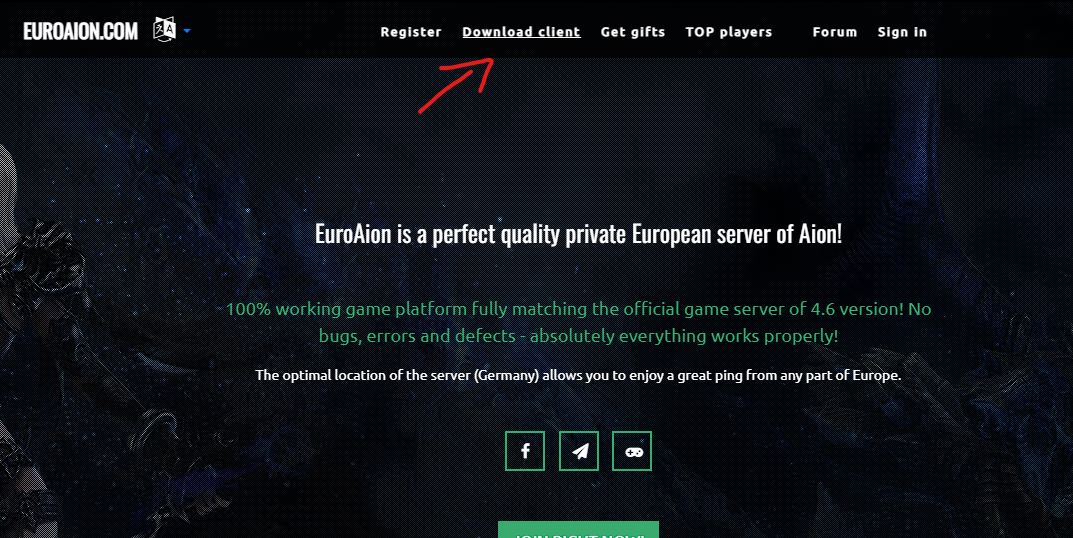
You need to download our client and run through our launcher.
Hey thank you,
I downloaded and installed the linked euraion.exe
But it only shows this screen for me
I'm not sure what I've done wrong? Euroaion is a complete different install? I've set path to the steam files of AION.
When I press "install" it won't do anything for me...
Hey thank you, I downloaded and installed the linked euraion.exe But it only shows this screen for me I'm not sure what I've done wrong? Euroaion is a complete
17 минут назад, Kassiopeija сказал:
You cannot use the Steam version of the game due to differences in versions and game clients. You can download our client version 4.6 via the launcher (by specifying a new folder) or via torrent/directly.
I see. Tell me is this a version prior to the autobot feature?