Hi,
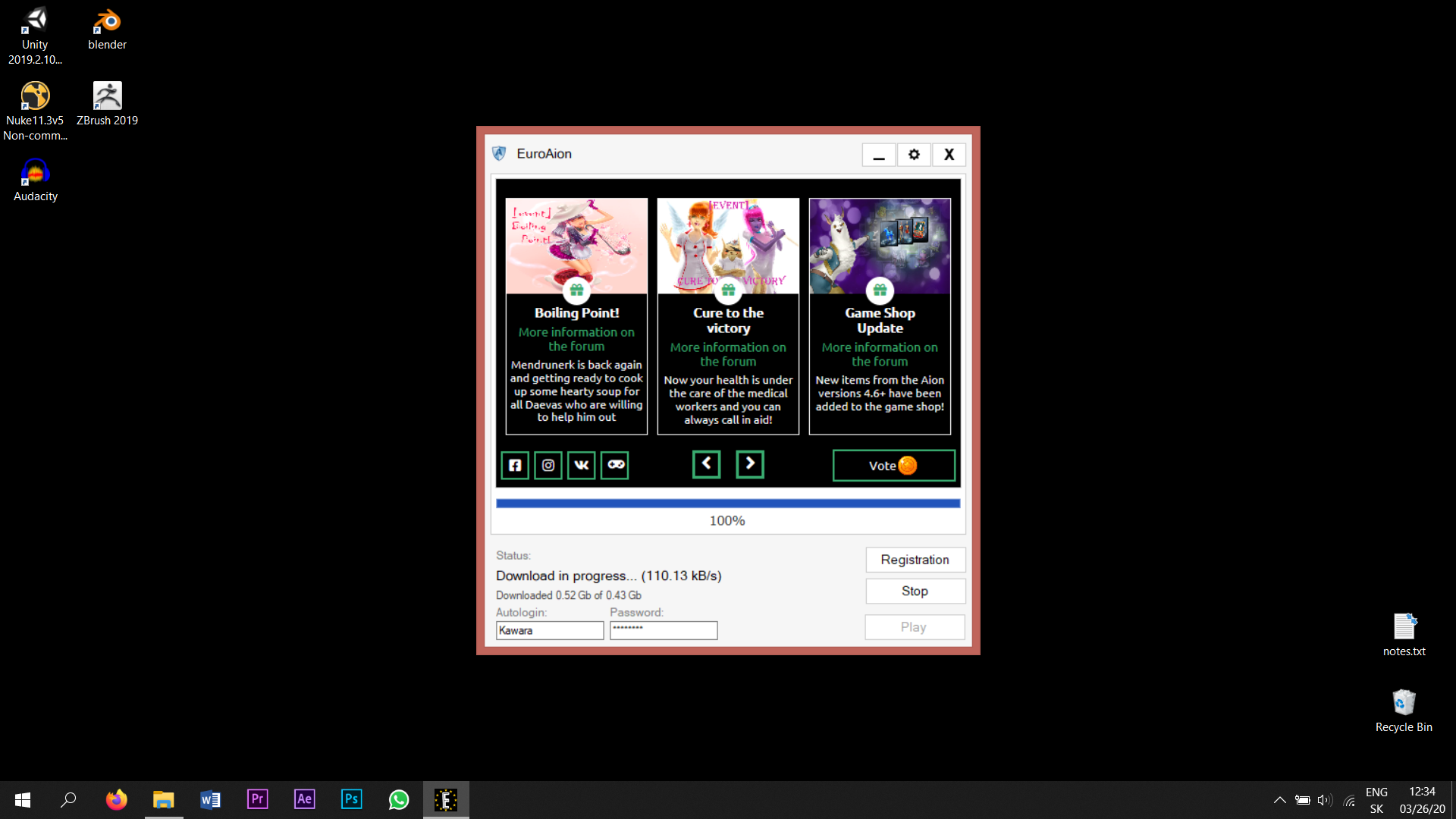
Please, make sure that the antivirus is off, firewall enabled for the euroaion.exe launcher, no VPN on and no other software is blocking the launcher from downloading any files.
Also, make sure that you have all of these 3 installed:
1 - DirectX. A sufficient version of the program (June, 2008) can be downloaded from the official website . Open the file and choose any folder where the file will be unpacked. Then go to the folder and open the installing file .exe, it will install the program if necessary. ATTENTION! After you launch the downloaded file, it will ask you to provide the path for the unpacking of the files. One more time: it is only unpacking! After the unpacking you must open the provided folder and launch the installation with the file DXSETUP.
2 - Microsoft Visual C++ Download and install the necessary components from here.
3 - Download and install NET Framework. Download it exactly from this link as it is necessary for the correct working of the launcher of the game!